
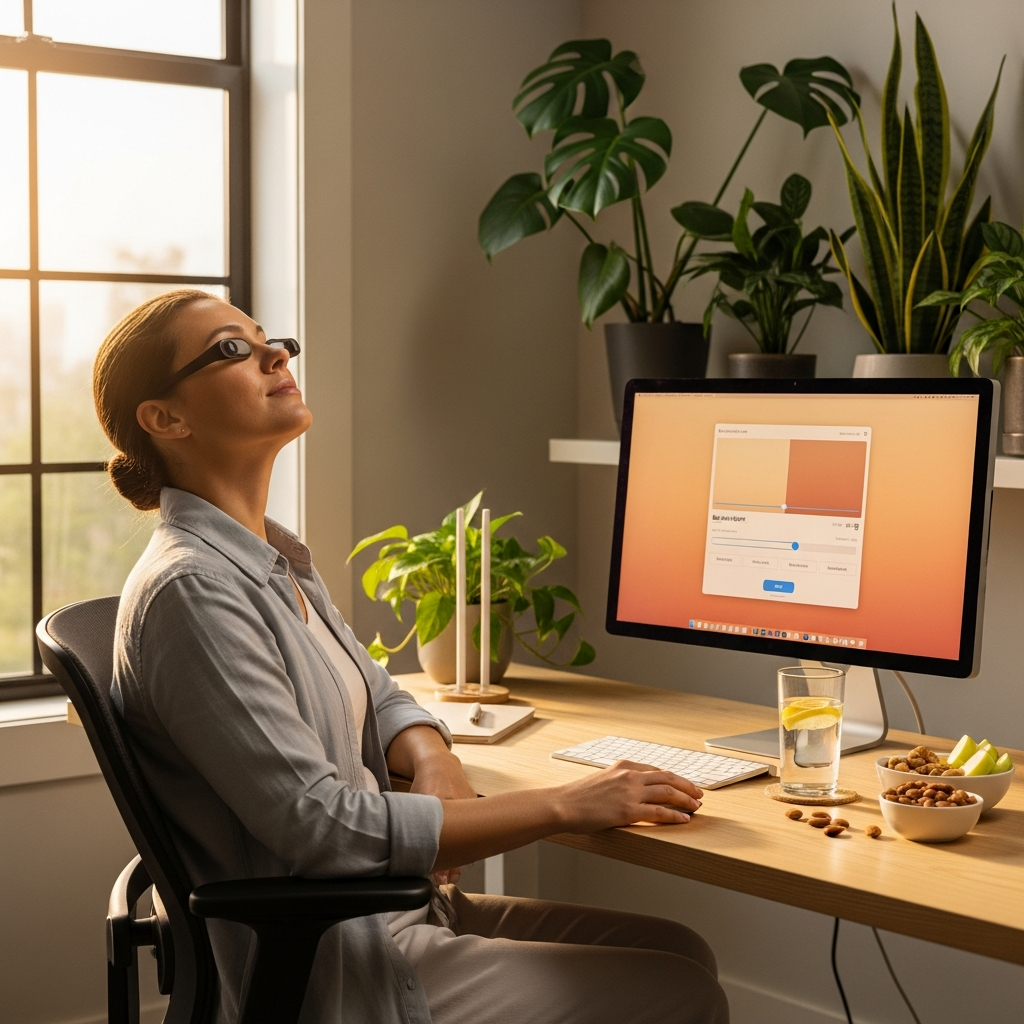
Digital Eye Strain Relief: 7 Science-Backed Steps to Reduce Screen Fatigue
Do your eyes feel tired, dry, or strained after a long day staring at screens? You’re not alone. The average American spends over 7 hours daily looking at digital devices, according to recent studies. This constant screen exposure leads to a modern health concern known as digital eye strain or computer vision syndrome. If you’re searching for effective digital eye strain relief, you’ve come to the right place. This comprehensive guide offers seven science-backed steps that can help reduce screen fatigue and protect your vision. Whether you work from home, study online, or simply enjoy digital entertainment, these strategies may provide the eye strain solutions you need for clearer, more comfortable vision.
Understanding Digital Eye Strain: What Causes Computer Vision Syndrome
Before we dive into solutions, let’s understand what we’re dealing with. Computer vision syndrome refers to a group of eye and vision-related problems resulting from prolonged computer, tablet, or smartphone use. The American Optometric Association reports that 50-90% of computer users experience some symptoms of digital eye strain.
Common Symptoms to Recognize
Digital eye strain manifests through various symptoms that may include:
- Eye fatigue and tiredness
- Dry, irritated, or burning eyes
- Blurred or double vision
- Headaches and neck pain
- Difficulty focusing
- Light sensitivity
These symptoms typically worsen with longer screen time and may indicate your eyes need better care strategies.
Primary Causes of Screen-Related Eye Strain
Several factors contribute to digital eye strain. Poor lighting, screen glare, improper viewing distances, and uncorrected vision problems all play roles. However, the most significant factors include:
- Reduced Blinking: People blink 66% less when using digital devices, leading to dry eyes.
- Blue Light Exposure: Digital screens emit high-energy visible blue light that may contribute to eye fatigue.
- Focusing Demands: Constantly focusing on nearby screens strains eye muscles.
- Poor Ergonomics: Incorrect screen positioning forces awkward postures.
The 20-20-20 Rule and Beyond: Best Eye Exercises for Computer Users
One of the simplest yet most effective strategies for digital eye strain relief involves regular eye exercises. These practices can help relax eye muscles and improve focusing ability. The most famous technique comes from the American Academy of Ophthalmology, which recommends the 20-20-20 rule.
The 20-20-20 Rule Explained
This straightforward exercise requires minimal effort but delivers significant benefits. Every 20 minutes, look at something 20 feet away for at least 20 seconds. This simple habit gives your focusing muscles a much-needed break. Research suggests this practice can reduce eye strain symptoms by up to 50% for regular computer users.
Additional Eye Exercises for Screens
Beyond the 20-20-20 rule, consider incorporating these eye exercises for screens into your daily routine:
- Palming: Rub your hands together to generate warmth, then cup them over closed eyes without applying pressure. Breathe deeply for one minute.
- Figure Eight Tracing: Imagine a large figure eight about 10 feet away. Slowly trace it with your eyes for one minute in each direction.
- Focus Shifting: Hold your thumb about 10 inches from your face. Focus on it for 15 seconds, then shift focus to something across the room. Repeat 10 times.
- Eye Rolling: Slowly roll your eyes clockwise, then counterclockwise. Repeat five times in each direction.
These exercises, when practiced regularly, may help improve eye muscle flexibility and reduce fatigue. For more comprehensive vision care techniques, explore our detailed guides.
Optimize Your Workstation: Ergonomic Setup for Eye Comfort
Your physical environment significantly impacts eye strain levels. An optimized ergonomic workstation setup can make a substantial difference in how your eyes feel at the end of the day. According to the National Eye Institute, proper workstation design is crucial for preventing computer vision syndrome.
Ideal Screen Positioning
Position your screen correctly to minimize strain:
- Place the monitor 20-28 inches from your eyes (about arm’s length)
- Position the top of the screen at or slightly below eye level
- Tilt the screen back 10-20 degrees to reduce glare
- Ensure the screen is directly in front of you, not to the side
Lighting and Glare Reduction
Proper lighting is essential for comfortable viewing:
- Use indirect lighting to avoid screen glare
- Position your screen perpendicular to windows
- Consider an anti-glare screen filter if needed
- Adjust screen brightness to match ambient lighting
- Use task lighting for reading materials
Monitor Settings for Eye Comfort
Adjust these display settings for optimal viewing:
- Brightness: Match screen brightness to surrounding area
- Text Size: Increase font size to reduce squinting
- Contrast: Use high contrast between text and background
- Color Temperature: Reduce blue light with warmer settings
Blue Light Protection: Science-Backed Strategies
Blue light from digital devices has received significant attention in recent years. While research continues, many experts agree that reducing blue light exposure may contribute to digital eye strain relief. The American Optometric Association notes that blue light filtering options may help some users experience less eye fatigue.
Effective Blue Light Reduction Methods
Consider these approaches to minimize blue light exposure:
- Blue Light Filtering Software: Use built-in features like Night Shift (iOS) or Night Light (Windows)
- Specialized Glasses: Consider computer glasses with blue light filtering coatings
- Screen Protectors: Apply physical blue light filters to devices
- Display Settings: Adjust color temperature to warmer tones
Understanding the Research
Current research on blue light’s effects shows mixed results. Some studies suggest blue light may disrupt sleep patterns and contribute to eye fatigue. Other research indicates the primary issue may be overall screen time rather than blue light specifically. Most experts recommend a balanced approach: use blue light protection if it helps you, but don’t rely on it exclusively for digital eye strain relief.
Lifestyle Adjustments: Comprehensive Screen Fatigue Solutions
Beyond immediate workstation changes, certain lifestyle adjustments can provide lasting screen fatigue solutions. These holistic approaches address eye health from multiple angles, supporting long-term visual comfort.
Hydration and Nutrition for Eye Health
Your eyes benefit from proper hydration and specific nutrients:
- Drink adequate water throughout the day to maintain tear production
- Consume foods rich in omega-3 fatty acids (salmon, walnuts, flaxseeds)
- Include antioxidants like lutein and zeaxanthin (leafy greens, eggs)
- Ensure sufficient vitamin A intake (sweet potatoes, carrots, spinach)
Blinking Exercises and Artificial Tears
Since reduced blinking contributes significantly to dry eyes, consider these strategies:
- Practice conscious blinking every 20-30 minutes
- Use preservative-free artificial tears as needed
- Consider a humidifier in dry environments
- Avoid direct air from fans or vents blowing toward your eyes
For those seeking additional holistic wellness approaches, our resources offer comprehensive guidance.
When to Seek Professional Help for Persistent Symptoms
While most digital eye strain responds to self-care measures, some situations warrant professional evaluation. Understanding when to consult an eye care specialist ensures you address underlying issues promptly.
Warning Signs That Need Attention
Schedule an eye exam if you experience:
- Persistent eye pain or severe headaches
- Significant vision changes or double vision
- Symptoms that worsen despite implementing relief strategies
- Eye redness, swelling, or discharge
- Difficulty seeing clearly at any distance
Comprehensive Eye Exams
Regular eye examinations can detect vision problems contributing to digital eye strain. An optometrist or ophthalmologist can:
- Prescribe specialized computer glasses if needed
- Identify underlying conditions like dry eye syndrome
- Recommend personalized strategies based on your specific needs
- Monitor overall eye health and detect early problems
Creating Your Daily Eye Care Routine: 7-Step Action Plan
Now that we’ve explored various strategies, let’s combine them into a practical daily routine. This 7-step action plan provides structured digital eye strain relief you can implement immediately.
Your Morning Preparation
- Hydrate First: Start your day with a glass of water to support tear production
- Check Lighting: Assess your workspace lighting before beginning work
- Adjust Settings: Configure screen brightness and text size for comfort
During Work Hours
- 20-20-20 Breaks: Set reminders for regular viewing breaks
- Conscious Blinking: Practice deliberate blinking every 30 minutes
- Posture Checks: Regularly verify proper screen positioning
Evening Wind-Down
- Screen Curfew: Reduce screen time at least one hour before bed
- Eye Exercises: Perform 5 minutes of gentle eye exercises
- Moisture Support: Use artificial tears if experiencing dryness
Conclusion: Taking Control of Your Eye Health
Digital eye strain relief is achievable through consistent, science-backed practices. By implementing these strategies, you can significantly reduce screen fatigue and protect your long-term vision health. Remember these key takeaways:
- Regular breaks using the 20-20-20 rule provide immediate relief
- Proper ergonomic setup prevents unnecessary strain
- Blue light protection may help some users experience less fatigue
- Lifestyle factors like hydration and nutrition support overall eye health
- Professional guidance ensures underlying issues receive proper attention
Start today by choosing one strategy from this guide and implementing it consistently. Your eyes work hard for you—they deserve proper care and attention. Share your experiences with these eye comfort techniques in the comments below, and don’t forget to consult your eye care professional for personalized advice.
Medical Disclaimer: This article is for informational purposes only and does not constitute medical advice. Always consult a qualified healthcare provider before making changes to your health routine or if you have specific medical concerns.